How to integrate Flits Wishlist?
Add Flits to your Mobile App to share the wishlist between your website and the app: your customers find the same wishlist everywhere, as soon as they are signed in.
Create a Flits API key
The integration uses a Flits API key that you can create yourself, directly from the Flits app.
- In your Shopify admin, open the "Flits" app
- Go to "Settings" > "API Keys"
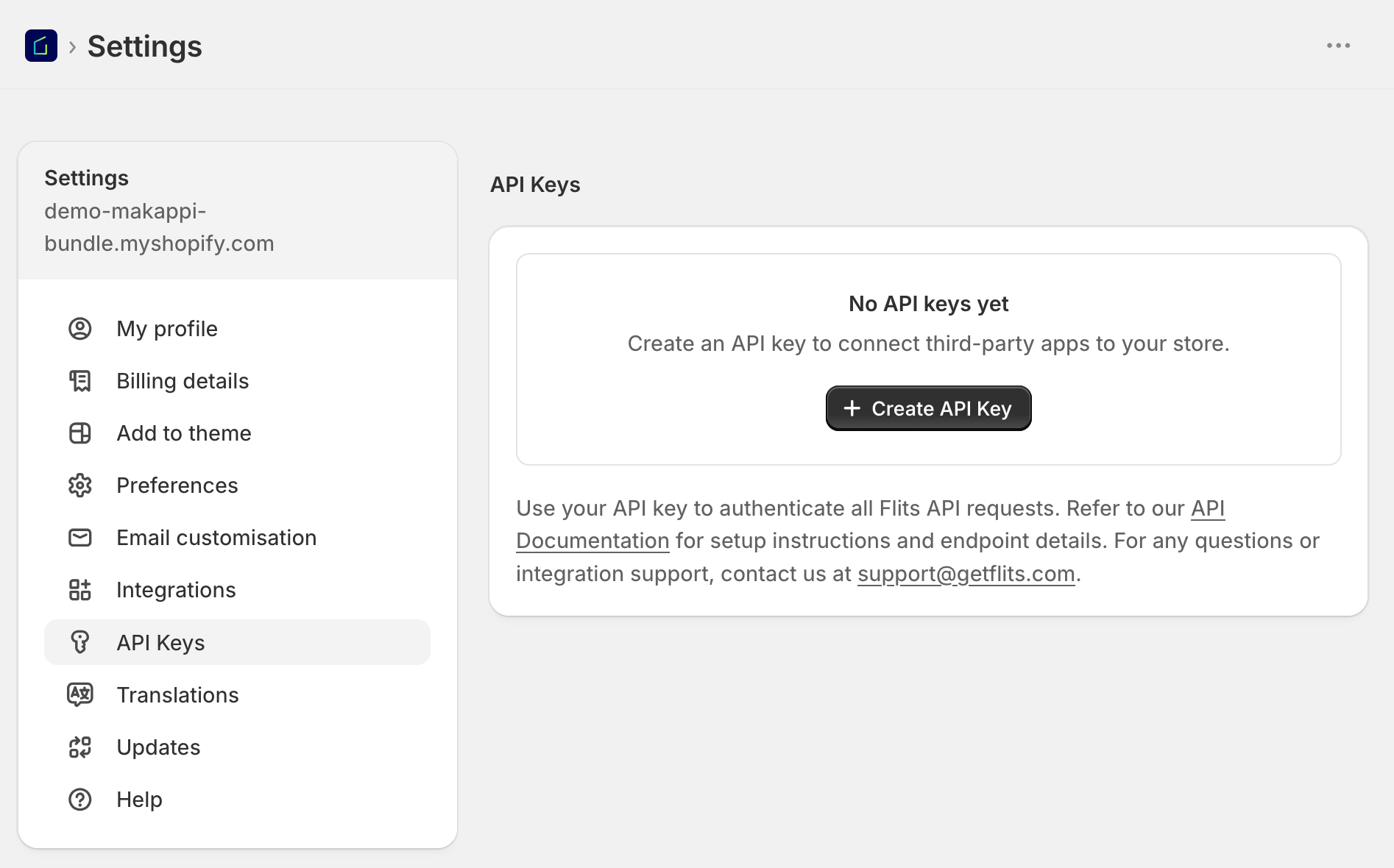
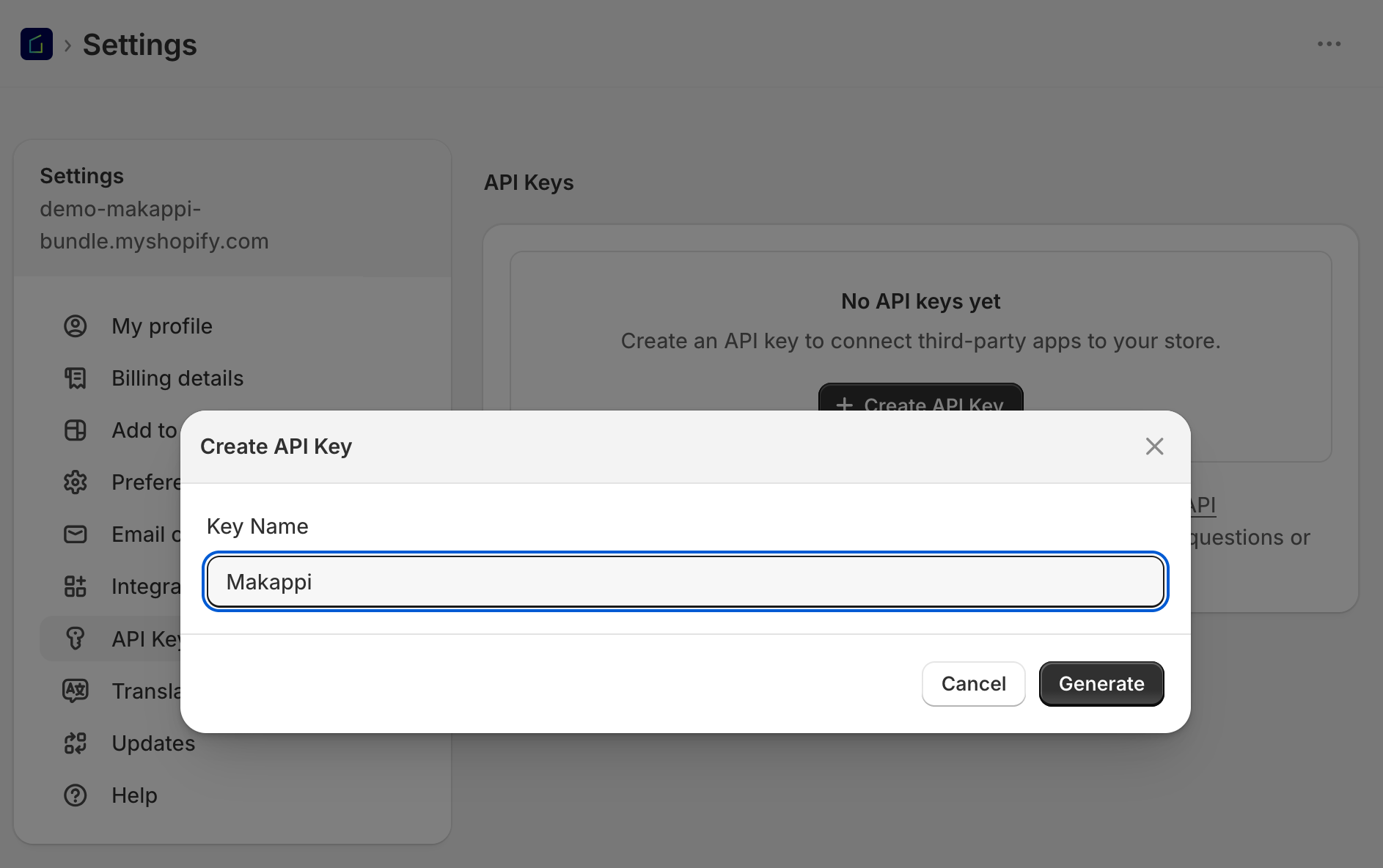
- Click on "Create API Key", name the key "Makappi", then click on "Generate"
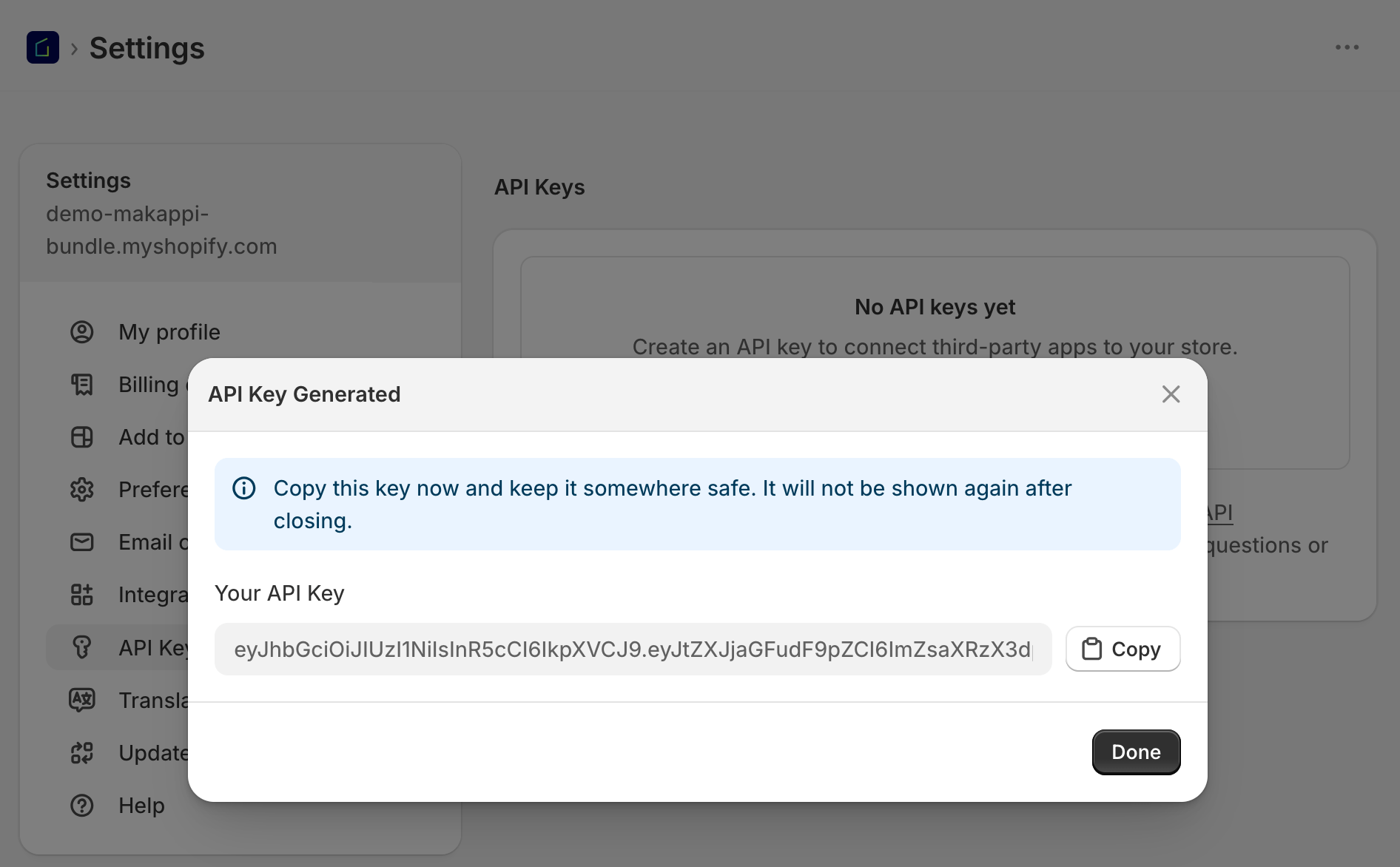
- Copy the generated key: it is only shown once, right after it is created
Connect Flits to your Mobile App
- In your Makappi dashboard, go to "Settings" > "Integrations" and select "Flits Wishlist"
- Enable the integration and paste the key in the "API token" field
- Click on "Test the connection" to make sure the key works
- Save and publish the change to finish the integration
What your customers get in the app
- Customers signed in to their store account see their Flits wishlist in the app
- Products added to the wishlist in the app also appear on your website, and vice versa
Troubleshooting
- The token is refused: make sure you copied the whole key, without spaces before or after. If needed, create a new key in the Flits app and try again.
- The wishlist doesn't show in the app: the customer must be signed in to their store account in the app.
- Anything else: contact us at support@makappi.com.